








Teleprompterz
Start free No credit card
  1. Home
  2. Use cases

Use cases · 10 industries

A teleprompter for every industry

Whatever you record, the steps are the same: write the script, read it on camera without memorizing, then edit, caption and export. Here is how creators, teachers, churches, agents, sales teams and speakers use Teleprompterz, and where to start.

Free plan · No credit card · Web, iPhone, iPad and Android

CHOOSE YOUR INDUSTRY

Who uses Teleprompterz

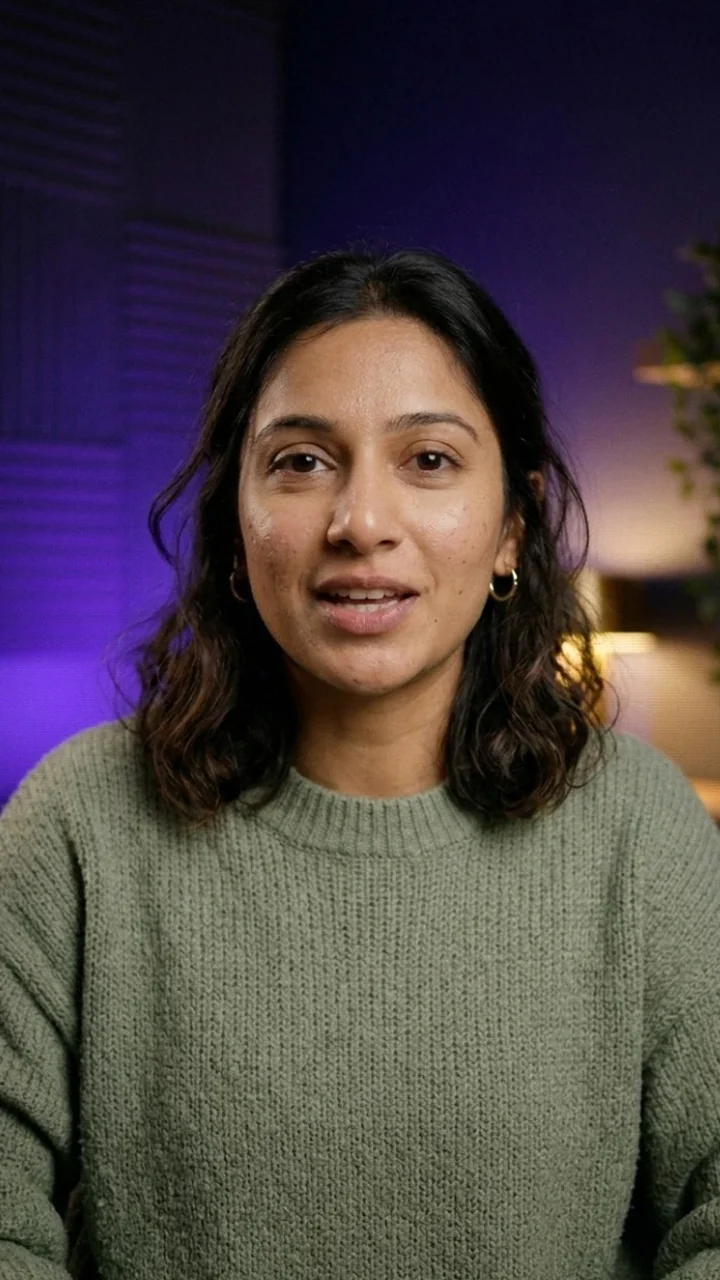
YouTube creator reading a script on the Teleprompterz teleprompter while recording
YouTube creators

A teleprompter for YouTube videos

The intro is where viewers decide to stay, and it's the part most creators reshoot ten times. Let the AI write a YouTube script that promises the payoff early, read it with voice-paced scrolling so it sounds like you, and post with the title, description and tags it wrote for you.

Videos you'll record

  • Channel intros and talking-head videos
  • Product reviews and sponsor reads
  • Long videos up to 30 minutes of script

How Teleprompterz helps

  • AI scripts researched with Google Search, with sources
  • YouTube chapter timestamps and SRT captions
  • 16:9 for the video, 9:16 for the Short

Start withProduct ReviewCall-To-Action Script

Write your next video →
Creator recording a short vertical video outdoors with the Teleprompterz app
Reels, TikTok and Shorts

Short-form video, batched in one sitting

Short videos live or die on the first three seconds. Write a week of hooks in one go, read them on your phone with the script over the camera, and export vertical with captions burned in for people watching on mute.

Videos you'll record

  • Hooks and quick tips
  • Storytime and behind-the-scenes clips
  • Brand collaborations

How Teleprompterz helps

  • Instagram scripts in a fast, high-energy voice
  • Auto captions you can restyle and burn in
  • A caption and hashtags with every script

Start withViral Video HookStorytime FrameworkEducational Reel

Batch this week's videos →
Teacher reading a lesson script on the Teleprompterz teleprompter while recording
Teachers and online courses

A teleprompter for course lessons and tutorials

Learners notice when you read off to the side. Keep your lesson script right under the camera, rehearse each module in Practice mode, and record it in one take. Captions make every lesson accessible, and chapter timestamps let students jump to the part they need.

Videos you'll record

  • Course modules and lesson introductions
  • Step-by-step tutorials
  • Live class openings and lesson recaps

How Teleprompterz helps

  • Practice mode: rehearse with nothing recorded
  • Captions and SRT files for accessibility
  • Scripts up to 30 minutes for full lectures

Start withCourse Lesson IntroductionTutorial WalkthroughLesson Summary & Next Steps

Record your first lesson →
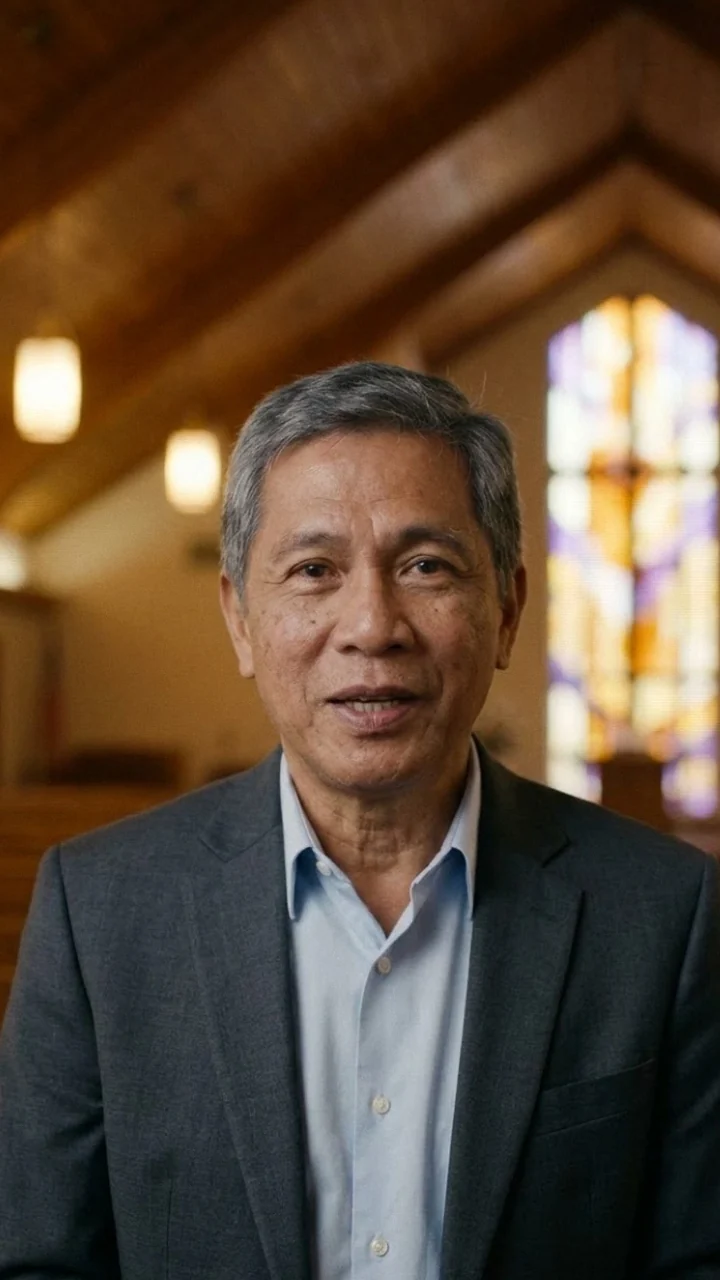
Pastor reading a sermon introduction on the Teleprompterz teleprompter in a church
Churches and ministry

A teleprompter for sermons and church announcements

Deliver the message while looking at your congregation, not your notes. Record sermon intros, midweek devotionals and weekly announcements in a single take, then send a read-only script link to your media team so everyone works from the same words.

Videos you'll record

  • Sermon introductions and midweek messages
  • Daily devotionals and guided prayer
  • Church announcements

How Teleprompterz helps

  • Mirror mode for beam-splitter glass on stage
  • Read-only script links for the media team
  • Customize with AI in a calm, warm or inspirational tone

Start withWeekly Sermon IntroductionDaily DevotionalPrayer Guidance

Prepare this week's message →
Real estate agent reading a listing script on the Teleprompterz teleprompter
Real estate

A teleprompter for real estate videos

Listing videos, open house invites and market updates, shot on location in one take. Read the walkthrough from your phone as you move through the home, then export vertical for Reels and wide for YouTube and your listing pages.

Videos you'll record

  • Property walkthroughs and new listings
  • Open house invitations and neighbourhood spotlights
  • Monthly market updates and lead follow-ups

How Teleprompterz helps

  • Record on site with the iPhone or Android app
  • Web Remote to run a laptop shoot from your phone
  • 9:16, 1:1, 4:5 and 16:9 from the same take

Start withProperty Listing WalkthroughOpen House InvitationMarket Update

Film your next listing →
Account executive recording a prospect video with the Teleprompterz teleprompter
Sales teams

Video prospecting that stays on message

A personal video gets opened when another email doesn't, as long as it sounds prepared. Script the pitch, read it without the glance-down, and check your pace and filler words after each take before it goes to the prospect.

Videos you'll record

  • Personal outreach and video voicemails
  • Follow-ups after a call or a demo
  • LinkedIn posts that build your pipeline

How Teleprompterz helps

  • Filler words and speaking speed after every take
  • LinkedIn scripts built on one useful insight
  • A watch link to send with the email

Start withLead Follow-Up MessageCall-To-Action Script

Perfect your pitch →
Founder recording a product update with the Teleprompterz teleprompter
Founders and marketing teams

Product demos, launches and team updates

Founders end up as the face of the product. Turn a launch, a feature or a monthly update into a tight script, read it in one take, and cut it with your screen recording in picture-in-picture. The same flow works for internal announcements and onboarding videos.

Videos you'll record

  • Launch videos and product demos
  • Website explainers and FAQ videos
  • Company updates and onboarding

How Teleprompterz helps

  • Picture-in-picture and split screen in the editor
  • Add your logo as an image, plus music and text
  • Captions burned in for autoplay on mute

Start withBehind The ScenesProduct Review

Script your launch video →
Fitness coach recording a tip video with the Teleprompterz teleprompter
Coaches and wellness

Coaching content that sounds like you

Your clients pay for your energy, so a flat, read-off-the-page video costs you. Keep tips and programme intros on script while the enthusiasm score tells you whether the take still sounds like a coach, not a narrator.

Videos you'll record

  • Weekly tips and quick wins
  • Programme and webinar introductions
  • Welcome videos for new clients

How Teleprompterz helps

  • Enthusiasm score from your pitch and loudness
  • Customize with AI in an energetic or friendly tone
  • Record at the gym or the studio on your phone

Start withEducational ReelStudent Success Story

Record this week's tip →
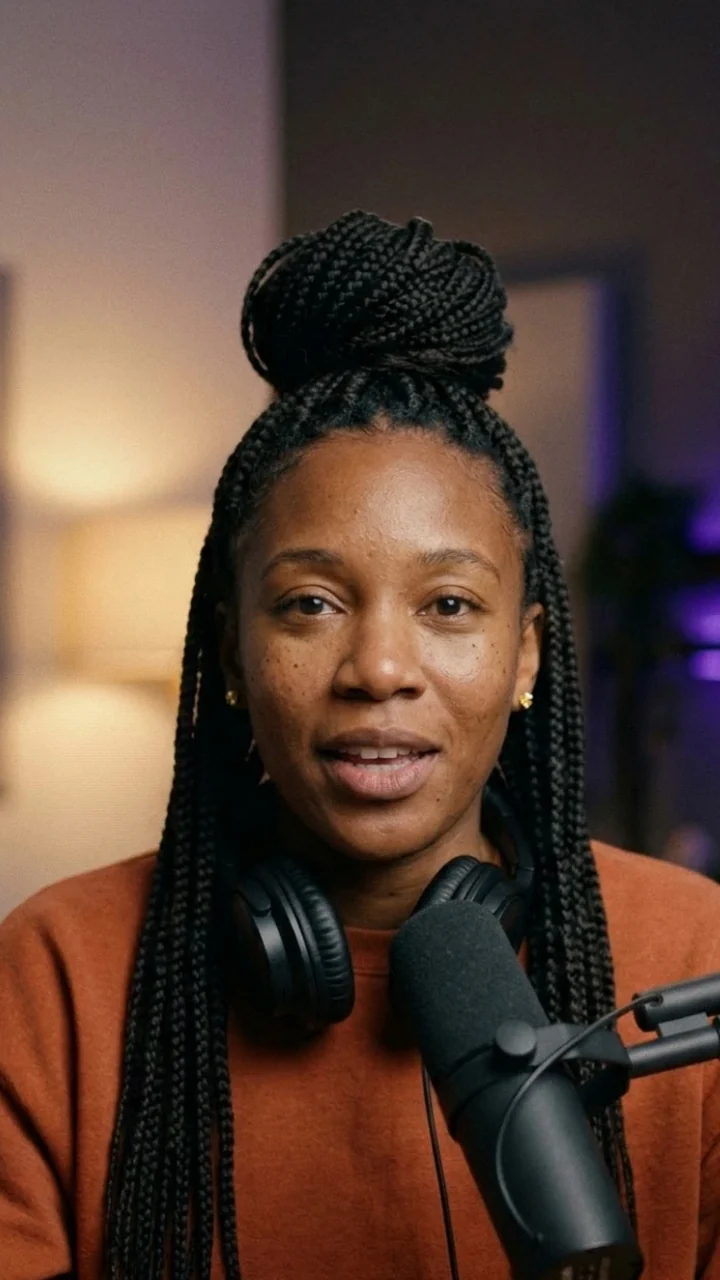
Podcaster reading an intro on the Teleprompterz teleprompter at a microphone
Podcasters

A teleprompter for podcast intros and ad reads

Sponsors want their copy read word for word; listeners want it to sound unscripted. Voice-paced scrolling handles both. Record the cold open or the ad read on video, cut a trailer for Shorts, and export the audio as MP3 when you only need sound.

Videos you'll record

  • Cold opens and episode intros
  • Sponsor and ad reads
  • Trailers and clips for Shorts and Reels

How Teleprompterz helps

  • Voice-paced scrolling that waits when you pause
  • MP3 export for audio-only episodes
  • Chapter timestamps for YouTube

Start withCall-To-Action ScriptStorytime Framework

Record your cold open →
Speaker rehearsing a keynote with the Teleprompterz speech prompter
Speakers and events

A speech prompter for talks, webinars and keynotes

Rehearse a talk until the timing is right, with nothing recorded, then pre-record the session if the event needs it. Your words-per-minute and pauses show whether the 20-minute slot will really take 20 minutes.

Videos you'll record

  • Keynote and conference rehearsals
  • Pre-recorded webinar sessions
  • Toasts, speeches and speaker reels

How Teleprompterz helps

  • Practice mode with voice-paced scrolling
  • Speaking speed against 150 words a minute
  • Bluetooth clicker support

Start withScript timerLive Class Opening

Rehearse your next talk →

QUICK SETUP

The settings to start with

A starting point for each industry. Every setting can be changed in the app.

Recommended script length, aspect ratio and feature for each industry
IndustryScript lengthExport ratioTurn on
YouTube creators3–15 min16:9 + 9:16Voice pace, chapters
Reels, TikTok, Shorts30 s–1 min9:16Burned-in captions
Teachers and courses5–20 min16:9Practice mode, SRT
Churches and ministry2–10 min16:9Mirror mode, shared links
Real estate1–2 min9:16 + 16:9Mobile app, Web Remote
Sales teams30 s–1 min16:9 or 1:1Filler-word analytics
Founders and marketing1–3 min16:9 + 1:1Picture-in-picture
Coaches and wellness30 s–2 min9:16 or 4:5Enthusiasm score
Podcasters30 s–2 min16:9 + MP3Voice pace
Speakers and events10–30 min16:9Practice mode, Bluetooth remote

FAQ

Questions from every industry

  1. No. The script scrolls over your camera preview on a laptop, tablet or phone, so your eyes stay near the lens without any glass. If you do use a beam-splitter rig, turn on mirror mode and the text reads correctly through the glass.

  2. There are 25 templates for content creators, teachers and course creators, pastors and church leaders, and real estate agents, plus a getting-started script. For any other industry, the AI script generator writes a script from your topic, platform and length. Browse the script templates.

  3. Yes. Send a read-only link to any script, for example to a media team or a manager for review. Links expire after 30 days and you can revoke them at any time.

  4. Yes. Use the iPhone or Android app to read the script over the camera wherever you are, then caption and export from the phone. On a laptop, Web Remote turns your phone into the controller so you can stand back from the camera.

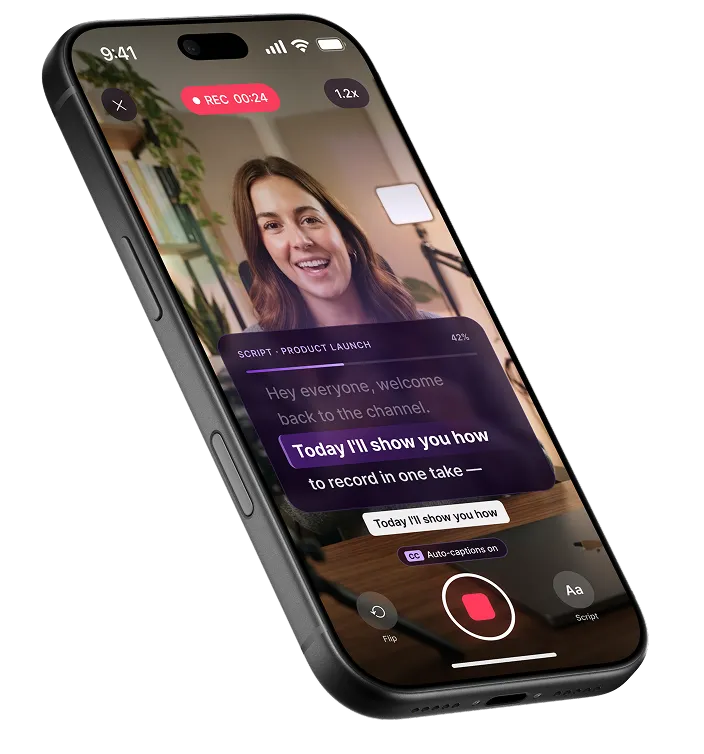
Teleprompterz recording a creator, with the script scrolling over the camera and auto-captions on

Whatever you record, start with the script

Pick a template for your industry or let AI write one, then read it on camera without memorizing a word.

Free plan · No credit card